Network before arrival
Prepare a working VPN before you land, then verify common blocked services once you are in China.
 Moxie China
Moxie China for iPhone
Moxie China helps foreign travelers prepare for the digital parts of China that usually cause friction: VPN setup, Alipay and WeChat Pay, maps, DiDi, food ordering, weather, AQI, holidays, and practical phrases you can show on screen.
Weather, AQI, payment and network checks in one place.
What it solves
Prepare a working VPN before you land, then verify common blocked services once you are in China.
Follow detailed Alipay and WeChat Pay steps, including identity checks, card linking, how to pay, and service fee notes.
Know which local apps matter for maps, rides, trains, hotels, food, bikes, and translation.
Browse common dishes, allergens, ordering phrases, and Chinese text you can show to restaurant staff.
App preview
Real app screenshots from the Today, Apps, Guide, and Food tabs.
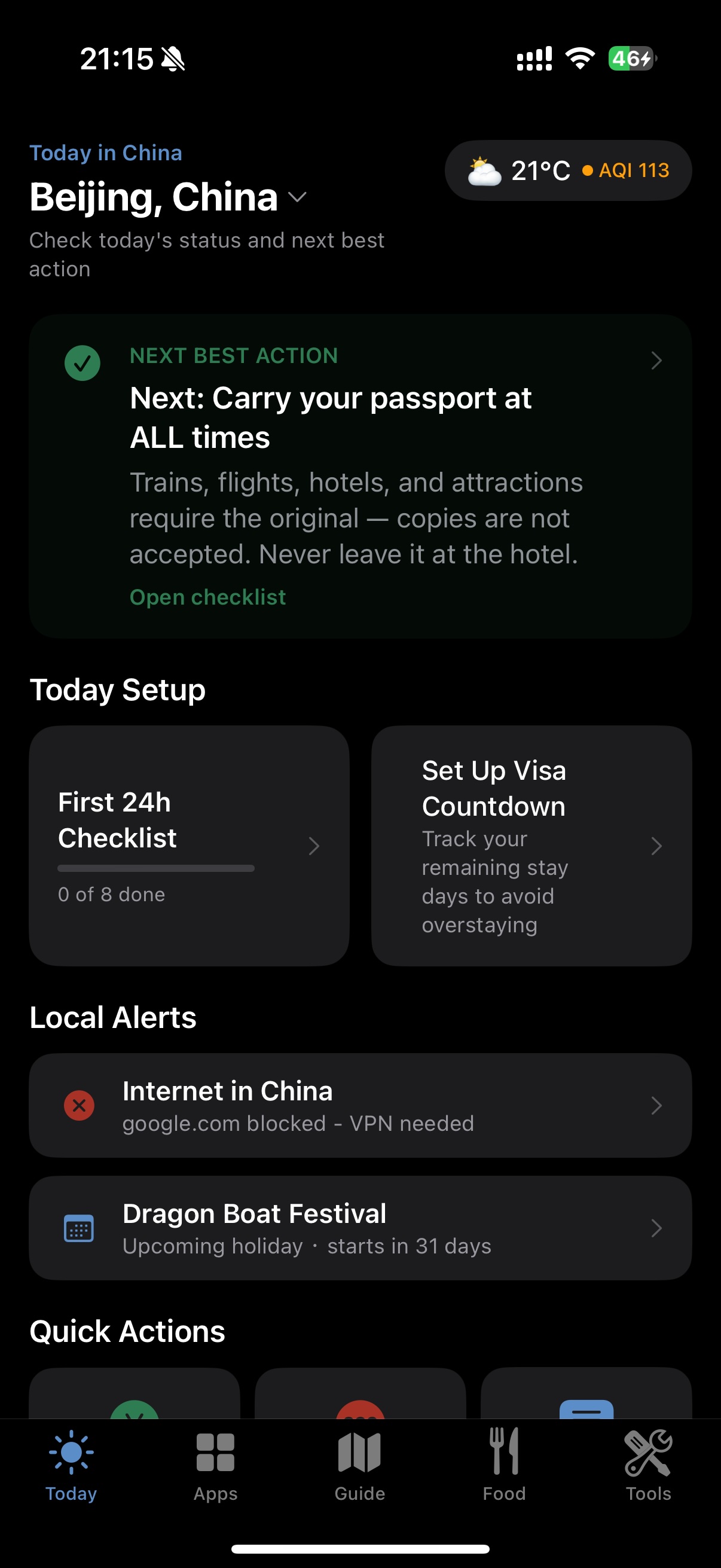
Weather, AQI, holidays, network checks, and quick travel tools.
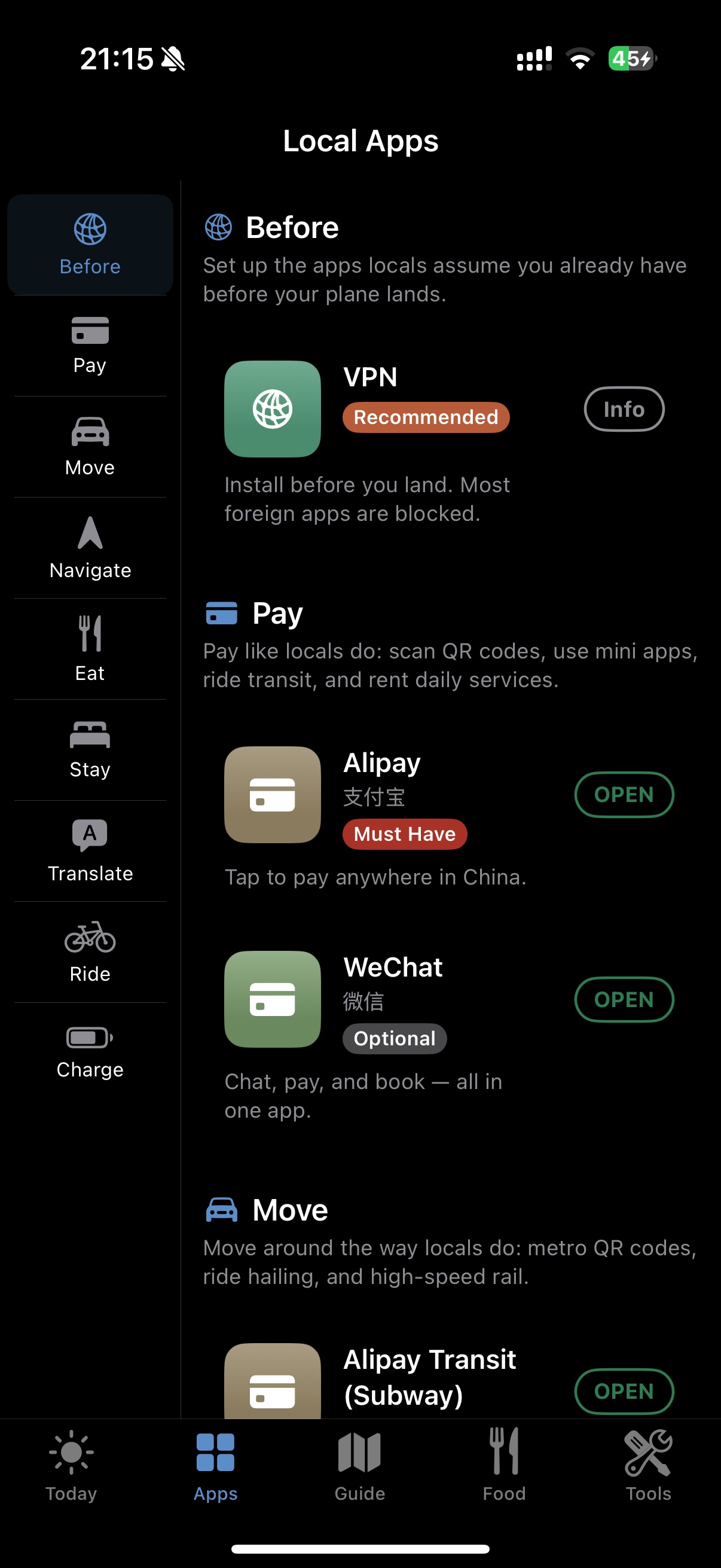
Detailed setup steps for payment, maps, rides, trains, hotels, and translation.
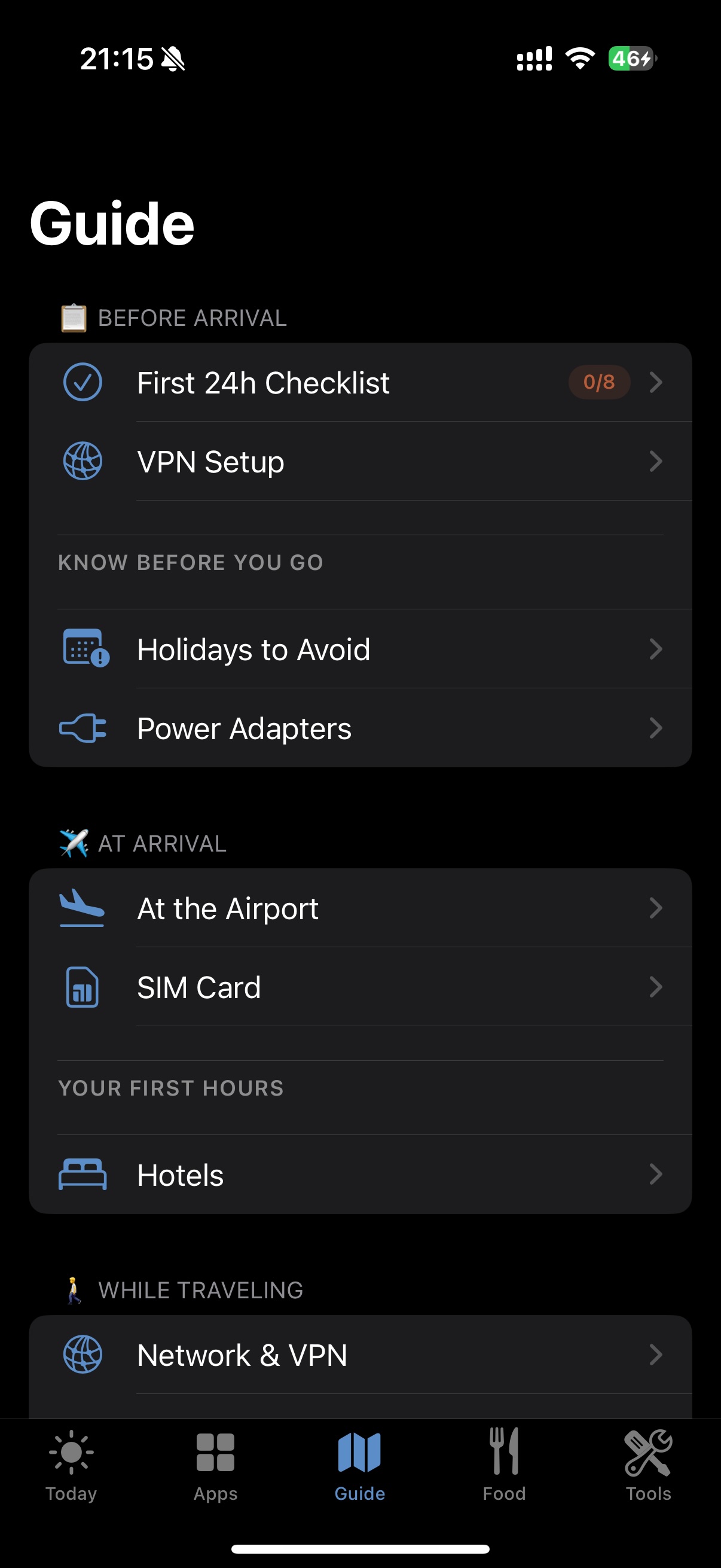
Practical steps for VPN, SIM cards, payment setup, transport, and first-day basics.
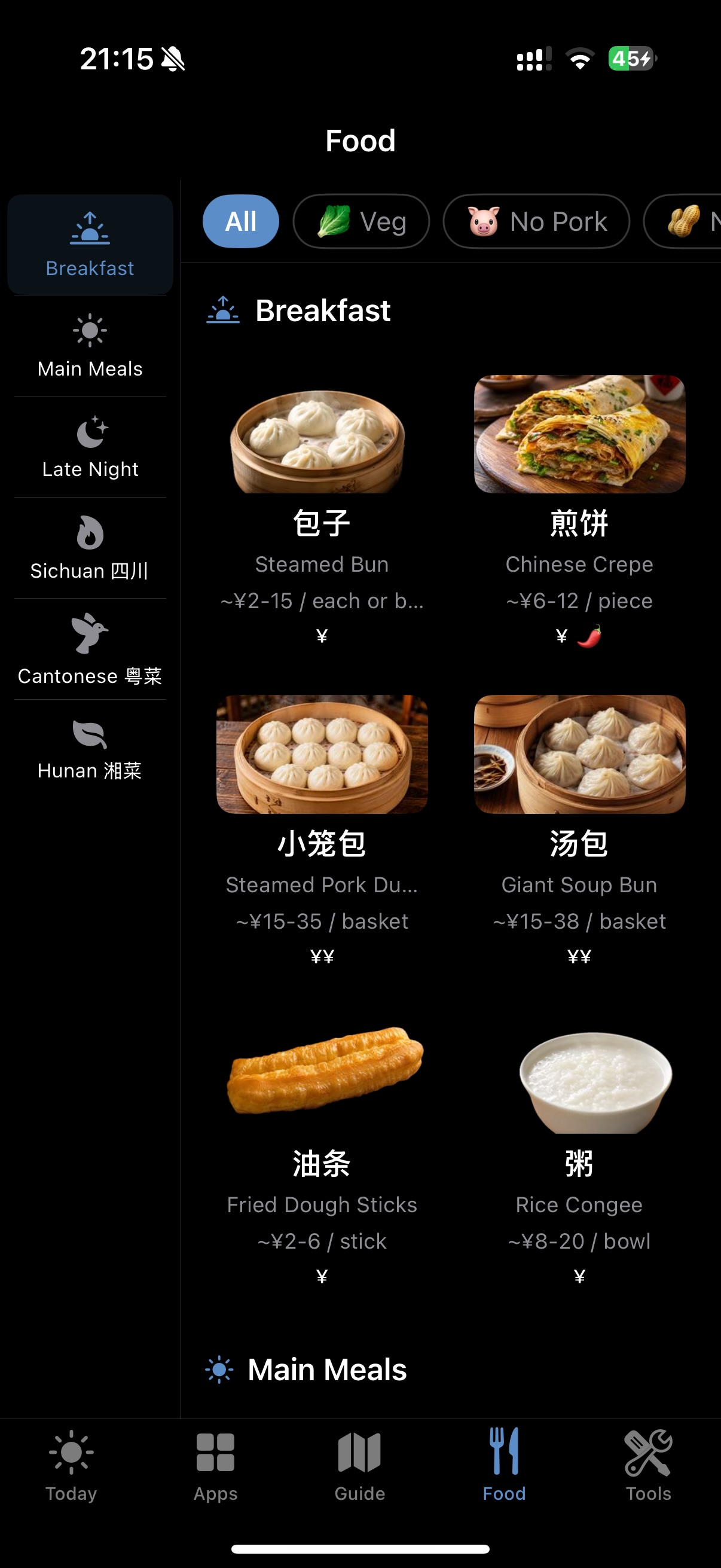
Chinese names, allergen hints, and practical text to show local staff.
Before you fly
Download and test a VPN before arrival, when the App Store and setup pages are easier to reach.
Register, verify identity, link an international card, and understand when 3% service fees may apply.
Prepare translation, map, emergency, food, and cash backup options for real-world travel friction.
Available now
Install the iPhone app from the App Store, then use the privacy policy and support pages whenever you need them.